
All help documentation for AnyPO is built into the program. Almost all dialog boxes have a "Help" button which takes you to information about that aspect of the program.
Additionally, however, we have prepared a PDF manual. The content of the manual is exactly the same as the help system built into the AnyPO program except that it's been organized in manual form.
That means you can print it - or print portions of it - or use it as a PDF reference document.
The manual is 500 pages (with a PDF file size of 22 MB) and, if you have a slow Internet connection, you'll need to give it a bit of time to download. To make it readily available, it's easiest to save it to your computer.
To access the manual, click: AnyPO PDF Manual
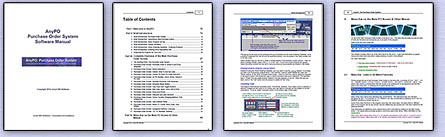
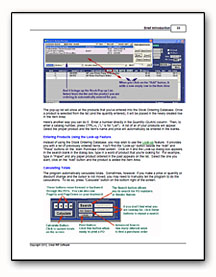
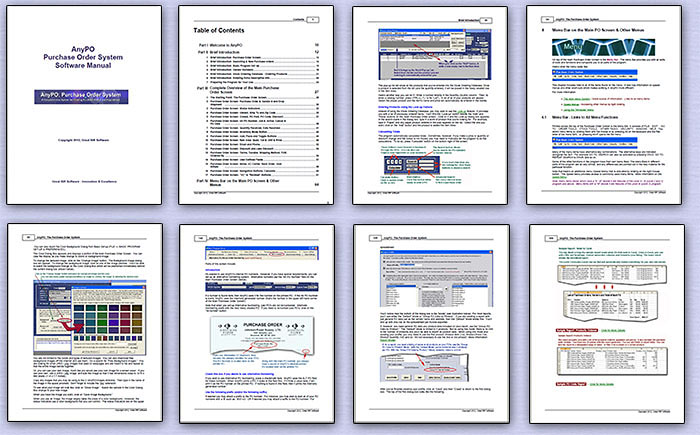
Sample Pages from the manual are shown below:
Internet-based Help
If you prefer to use a Google search to find information in the manual, we also have a version of the help documentation which is accessed through the Internet. Here's a link to the index, but you can also use Google to find information: Internet-based Help
Getting Started Guide
If you're just getting underway with AnyPO, the following "Getting Started" Manual may be helpful. It includes lots of screen displays and very simple and to-the-point explanations: AnyPO Getting Started Manual
AnyPO is another carefully crafted software program from:
 Great Rift Software
  Innovation, Excellence and Service